
Contents
Every Tuesday night, BCS Latin Dance runs salsa at La Tuna in La Ventana. The crowd is a mix of locals, expats, and travellers — some experienced dancers, many complete beginners. The music is good. The floor fills up. But we wanted something that pulled people off the walls and onto the floor faster, something that made the whole night feel like a game.
The idea was simple: a bingo card full of dance challenges. Complete the challenge on the floor, tap the square, get bingo. The kind of thing that gives beginners a mission and gives experienced dancers something to smile about.
We built it with Claude Code in a weekend. Here’s how it went.
What We Were Building
The requirements came together quickly once we started talking through it:
- A 5×5 bingo card of dance challenges, randomised per player
- Tap to mark a cell, visual feedback when you do
- Winning conditions: line bingo, diagonal only, or full blackout
- Bilingual — English and Spanish, switchable on the card
- Works on mobile, since everyone has their phone at the event
- An admin panel so we can control the game from the floor
- Printable card sheets for people who don’t want to use their phone
That’s a real full-stack project. Realtime config, a database, serverless APIs, a print generator, i18n, and a polished game UI. A few weeks of work doing it the traditional way. With Claude Code, we had something working the same night and something shippable by the end of the weekend.
The Stack
We already had the BCS Latin Dance site running on Astro and Vercel, so we kept that foundation:
- Astro for the page structure and static rendering
- Firebase Firestore for player registration and session history
- Vercel serverless functions for the config API, registration, and admin operations
- Firebase Auth (Google Sign-In) to protect the admin dashboard
Claude Code handled the entire implementation. The workflow was: describe what we wanted, review the output, iterate on the details. No boilerplate writing, no copy-pasting from documentation.
The Card
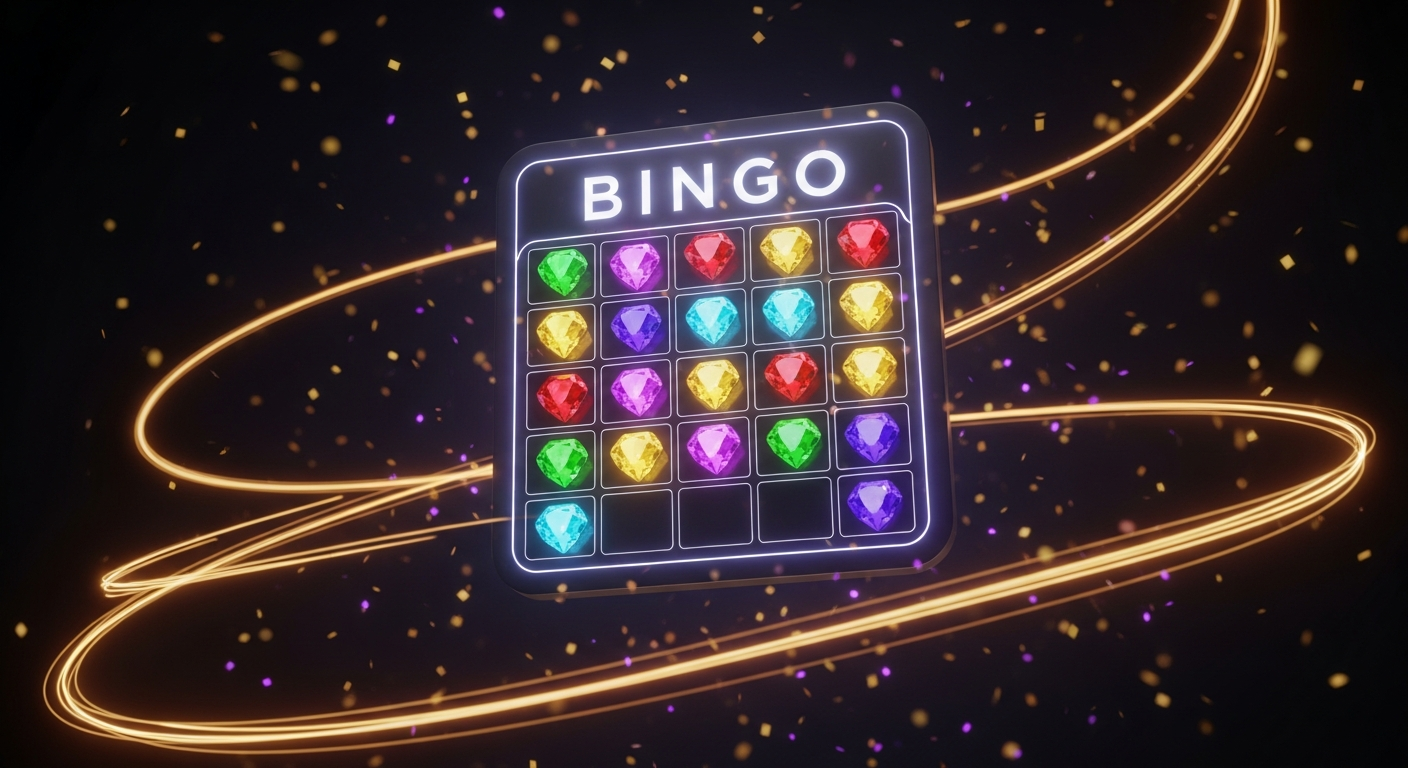
The bingo grid is a 5×5 card with 24 active challenges and a FREE center square. Each card is freshly randomised when you load the page — we pull from a pool of 29 challenges and shuffle them for each player.
The challenges are what make it specific to the night:
- Dance Salsa with a Partner
- Do a Spin
- Ask Someone to Dance in Spanish
- Try Bachata
- Dance with the Instructor
- Request a Song from the DJ
- Compliment Someone’s Dancing in Spanish
- Dance with Someone from Another Country
- Do a Dip
- Stay on Beat for a Full Song
Every challenge has both an English and Spanish version, stored together in the same data object. Switching languages re-renders the whole card without losing your marked cells.
Each cell has a colorful gemstone image as its background — 30 different gems cycling across the card. We started with 28MB of high-resolution source images and Claude Code helped us optimise them down to about 130KB total without losing visible quality.
The Feel
This was the part Claude Code did especially well: making the game feel like a game rather than a spreadsheet.
When you tap a cell to mark it, a burst of 12 gold sparkles erupts from the tap point, 14 confetti particles scatter outward, the cell scales up and bounces back with a pop animation, and a synthesized two-tone chime plays through the Web Audio API — no audio files, just oscillators tuned to 880Hz and 1320Hz with a fast decay. The whole sequence takes under half a second.
Winning triggers a modal with a bouncing trophy emoji, glowing “BINGO!” text, a confetti bar across the top, and the option to get a new card and keep playing. Winning cells glow green. The rest of the marked cells glow gold.
The sound is worth mentioning because it came out of a conversation with Claude about how to get a satisfying “bling” without loading an audio file. The Web Audio API synthesis approach — stacked sine waves with frequency ramps — was Claude’s suggestion and it sounds better than most short sound effects we’ve used before.
Want hands-on help with AI tools?
I run AI workshops and 1-on-1 Zoom coaching sessions covering Claude Code, BMAD multi-agent systems, and practical AI workflows — shaped around where you actually are, not a fixed curriculum.
Work with me →
The Admin Dashboard
We needed to control the game from the floor without touching code. The admin dashboard at /games/bingo-admin is protected by Firebase Google Auth and gives us:
Pattern control — switch between line bingo, diagonal-only, and full blackout with radio buttons. The change propagates to every active player card within 30 seconds via config polling. We can change the win condition mid-evening without anyone needing to reload.
Instructions — a text field that shows on every player’s card. We use it to announce things like “Tonight: diagonal bingo wins a free drink” or “Line bingo wins a dance with the instructor.”
Items manager — toggle challenges on or off, add new ones specific to the night, delete ones that don’t fit. The count of active items has to stay at 24 or above, enforced by the UI.
Player table — every registered player’s name, role (lead/follow/both), email, and registration time.
Game history — recent sessions showing which cells each player marked, who they danced with on partner challenges, whether they achieved bingo, and when.
The realtime propagation was a specific Claude Code session. We described the problem — admin changes need to reach active players without a page reload — and worked through a polling approach: every 30 seconds, each client fetches /api/bingo-config, compares it to the current state, and updates the pattern and instructions if anything changed. Simple, reliable, and it works even when players have slow mobile connections.
Partner Tracking
Some challenges are tagged as partner challenges — things that require another person. When you tap one of those cells, a modal asks you to enter the partner’s name before marking. It’s optional; you can skip it. But when people do fill it in, it creates a record in Firestore of who danced with whom during the evening. Not surveillance — a nice record of the night that the admin can look back at.
Print Sheets
Not everyone wants to play on their phone. For the first night we ran this, we wanted to have printed cards at the tables.
The challenge with printed cards is that the admin needs to know which combination of challenges is on card #5 so they can call the game properly. We solved this with seeded card generation — 20 fixed variations, each reproducible from a seed using a Linear Congruential Generator. Card #5 in the browser is always the same card as printed card #5.
The print sheet at /salsa-bingo-print.html generates 40 cards (4 per page across 10 pages): English on the left, Spanish on the right, each with a QR code that links back to the live game. We did the optimisation work to get the gem images small enough that the print file loads quickly even on a slow connection.
Claude Code built the entire print sheet in a single session once we explained the seeded shuffle requirement. We described the algorithm we needed — the LCG shuffle used in the game — and asked it to make the print sheet use the same implementation so the cards matched. It did, and they matched on the first test print.
Registration and Notifications
Players can optionally register with their name, role, and email before starting. Registration goes to Firestore and triggers a Telegram message to the admin — name, role, email — so we know who’s playing. Rate limiting prevents spam: three registrations per IP per hour.
Anonymous play works too. If you skip registration, you get a card and play normally; your session data is stored without a name attached.
Live Game Monitor
After a few Tuesday nights running the game, a gap became obvious: the admin could control the game but couldn’t see it. We knew which win pattern was active, but not how close any player was to winning, which card variation they were on, or whether anyone had already hit bingo without us noticing.
We added a Live Game Monitor to the top of the admin dashboard. It pulls all bingo sessions from the last four hours from Firestore and shows every active player in a table, updated on demand with a refresh button.
Each row shows:
B / I / N / G / O progress — five columns representing the five columns of the bingo card. Each shows how many of the five cells in that column are completed. 3/5 renders in orange; 5/5 turns green. At a glance from the bar you can see where every player is concentrated and who’s close to a full column.
Rows, columns, diagonals completed — exact counts of completed lines, so you know who’s one challenge away from bingo before they do.
Card variation badge — shows which of the 20 printed card variations the player is on (#7, #12, etc.). This matters because the win conditions are position-dependent — a completed diagonal on card #7 is a different set of challenges than the same diagonal on card #12.
Last active time — shown as a human-readable relative time (“2m ago”, “just now”). Tells you who’s still playing and who dropped off mid-evening.
Bingo trophy — a trophy appears in the row when a player has achieved bingo, so you can spot winners immediately.
Clicking any player row opens a drill-down overlay showing their full 5×5 board. Gold cells are completed — and if they recorded a partner name, it shows in the cell. Gray cells are still remaining. You can see exactly which challenges they’ve done and in what pattern, which is useful when someone shouts “BINGO!” from across the room and you want to verify it fast.
The variation tracking required a small change on the game side too: saveCellToFirestore now saves the player’s active variation alongside each marked cell, so the admin monitor always knows which card they’re looking at.
Simplified Admin Auth
The original admin authentication used Firebase custom role claims — you had to set a custom admin: true claim on each user through the Firebase Admin Console, which requires service account credentials and a separate setup step. For a small dance event, that’s more infrastructure than the problem warrants.
We replaced it with email allowlist auth: the API functions check the verified Google identity against a hardcoded list of admin emails. No Firebase Admin Console setup, no service account, no custom claims. If your email is on the list, you’re in. Adding a new admin is a one-line change in the API file.
This is a good example of the kind of architectural simplification Claude Code is useful for: we described the friction we were hitting, it proposed the simpler approach, and the refactor across three API files took one session.
What the Claude Code Workflow Actually Looked Like
We didn’t hand Claude a spec document and wait. The process was conversational and iterative throughout.
A typical session looked like: describe the next feature in plain language, review the output in the browser, notice what was off, describe the correction. For the gem images, we talked through the optimization approach before writing any code. For the confetti physics, we described what we wanted it to feel like — “like a burst, not a shower” — and iterated on the CSS custom property animation until it looked right.
The admin dashboard was a longer session. We walked through every control we wanted, Claude scaffolded the whole thing, and then we went feature by feature adjusting the behavior. The pattern polling feature came out of a problem we noticed: if you change the win condition in the admin, players need to know. Claude proposed the 30-second polling approach and implemented it.
What Claude Code is good at in this kind of project is holding the full context while you focus on one thing at a time. The Firestore security rules, the API rate limiting, the seeded shuffle algorithm, the print sheet layout — we didn’t have to context-switch between all of those simultaneously. We addressed each one in its own session and Claude kept the implementations consistent with each other.
The game went from nothing to live on bcslatindance.com/games/salsa-bingo over a weekend. The Tuesday night crowd has been playing it since. Watching people pull out their phones mid-song to tap a completed challenge is exactly the kind of thing we were hoping for.
Comments
Loading comments…
Leave a comment