Contents
I’ve been watching the AI video space closely for a while, but Higgsfield.ai caught my attention differently. A few YouTube videos later, I had to try it myself.
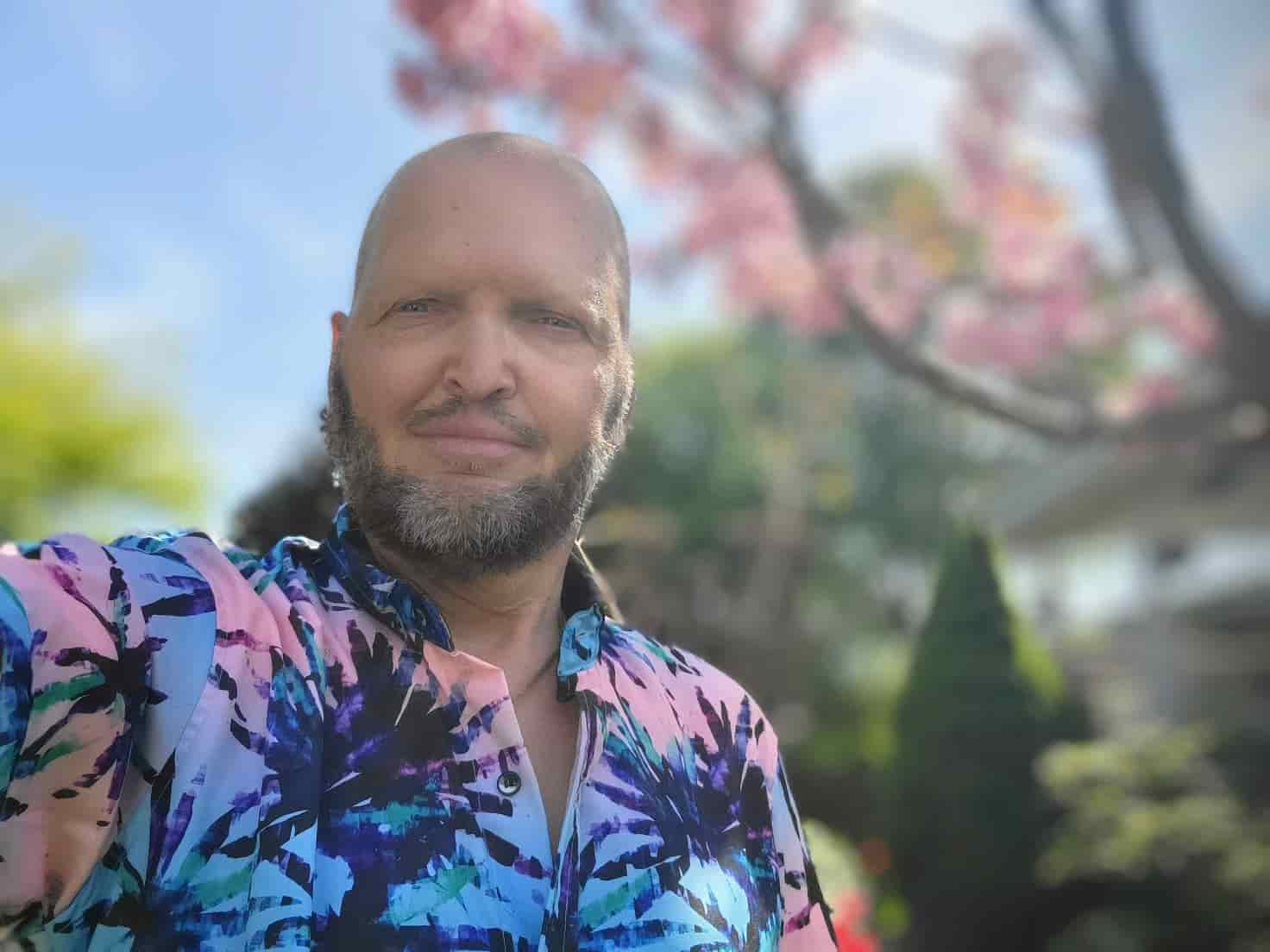
What pulled me in was the character creation pipeline. The idea that you could upload reference images of a real person — yourself — and have an AI build a consistent, reusable character from them felt like something worth exploring properly, not just reading about.
Step One: The Shots Feature
The first thing I tried was Higgsfield’s Shots tool. You upload a single reference image of yourself and it generates nine variations of that image from nine different camera angles — front-on, three-quarter, side profile, slightly above, slightly below, and so on.
I did this several times with different source photos. Different lighting, different expressions, different distances from the camera. Each run gave me a new set of nine angle variations. The idea is to give the character model as much reference data as possible so it can hold consistency across generated video.
Building the Character
Once I had a solid library of multi-angle reference images, I uploaded them into Higgsfield’s character tool. The system trains a character from your uploaded images — and the result is a portable, reusable identity you can drop into any scene you generate.
I then did the exact same process with my dog Midnight. A black terrier. Fortunately, having approximately 50,000 photos of him on my phone made the reference image situation fairly straightforward.
Within a short time I had two characters: me, and Midnight.
Want hands-on help with AI tools?
I run AI workshops and 1-on-1 Zoom coaching sessions covering Claude Code, BMAD multi-agent systems, and practical AI workflows — shaped around where you actually are, not a fixed curriculum.
Work with me →
Putting Them to Work
The goal was simple: use both characters together to create video content for advertising my website. Not stock footage. Not a talking head in front of a ring light. Something cinematic.
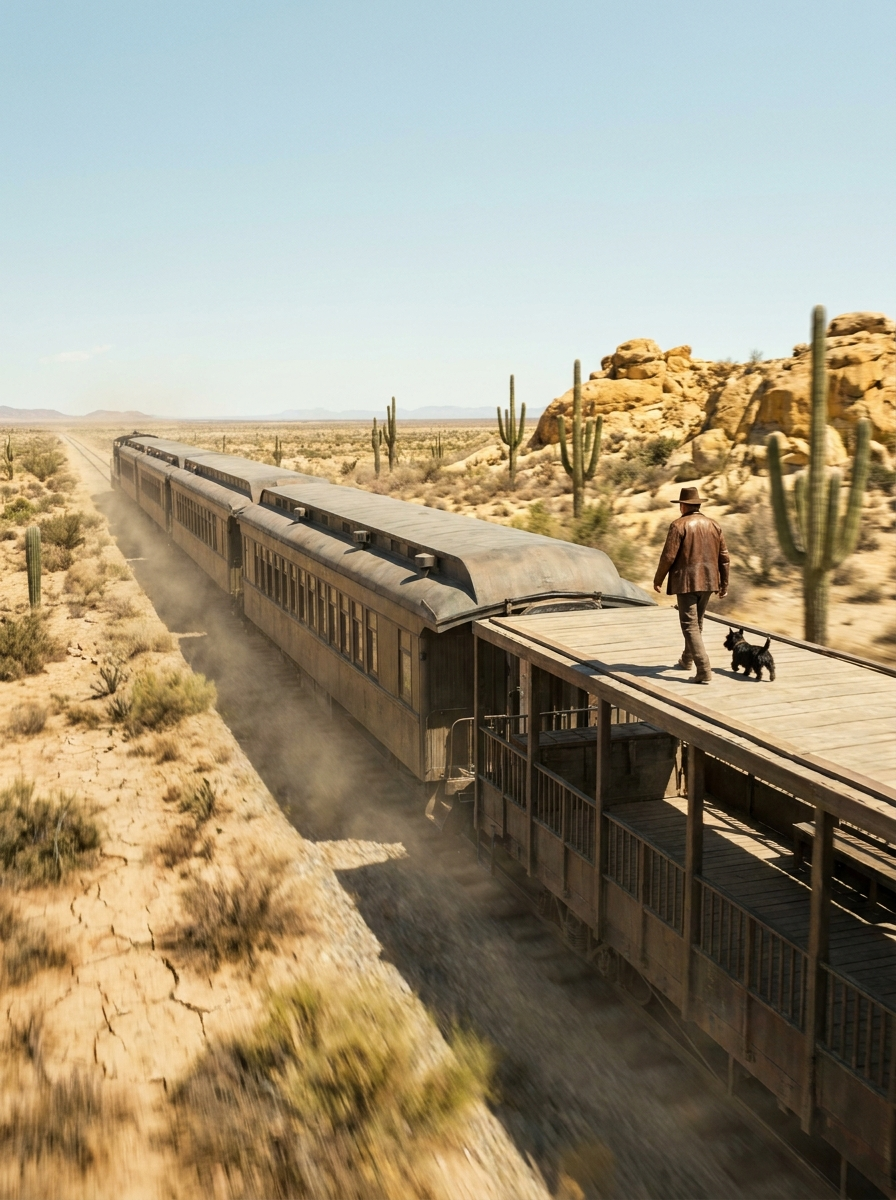
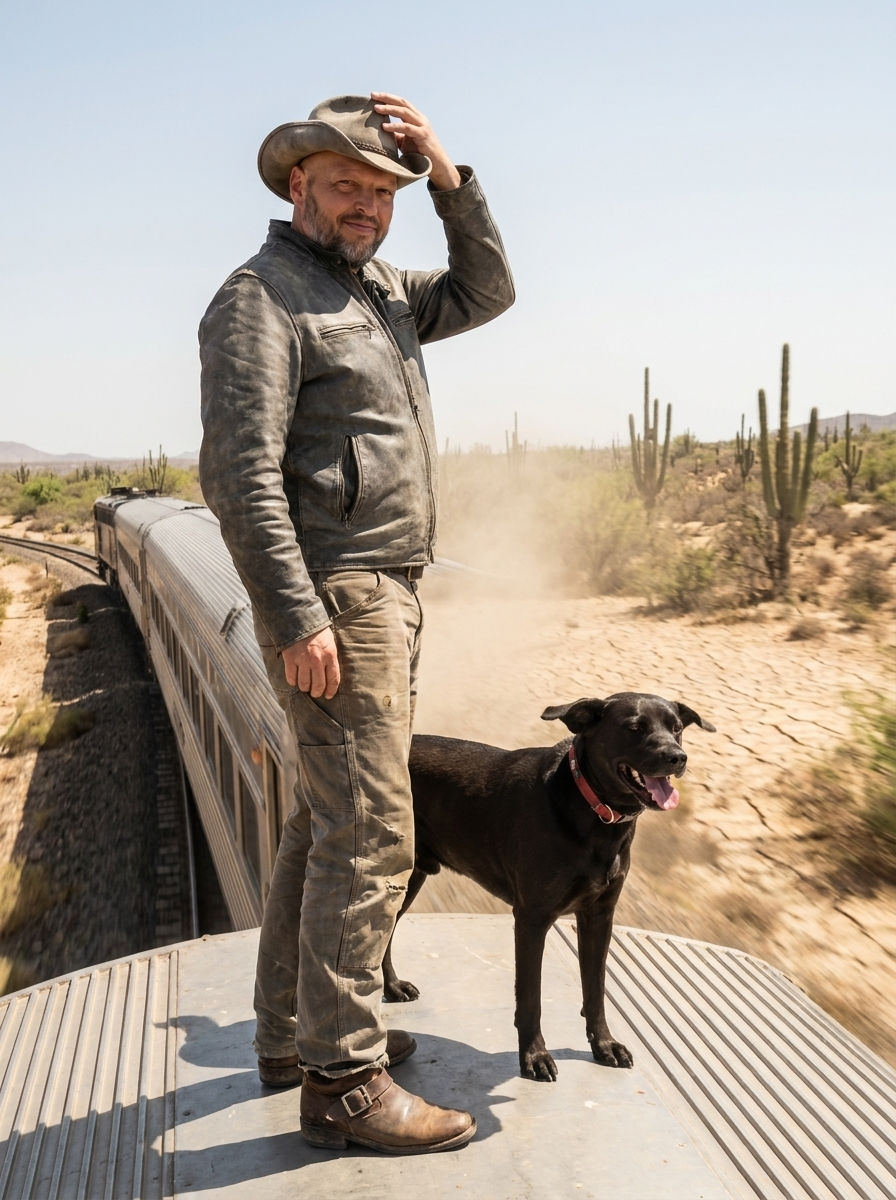
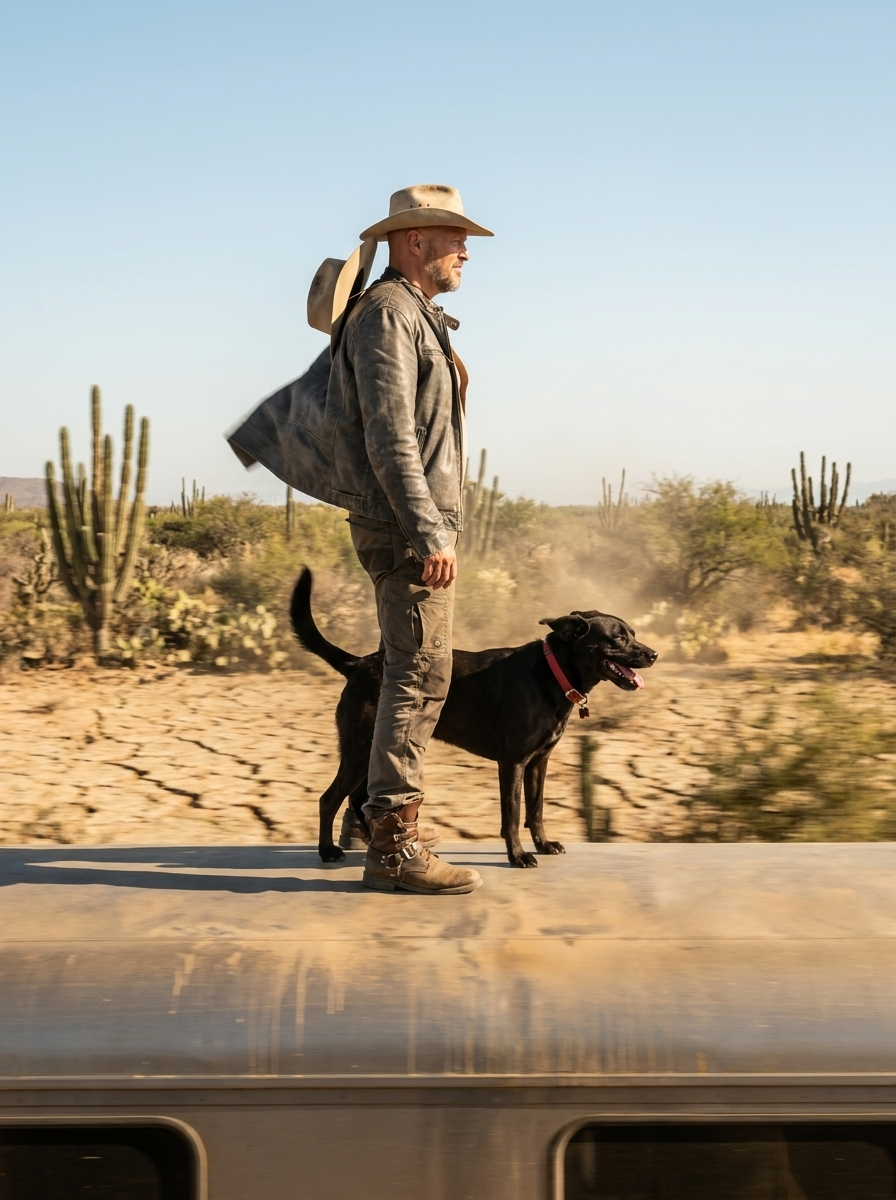
I used the Kling 3.0 model to generate the final videos. The concept: Paul and Midnight on top of a speeding train cutting through the Baja desert, delivering short punchy messages to camera.
But before I got to the train, I started with something a bit more experimental.
Experimentation with Me as an Explorer and a Yeti Mascot
Pretty interesting results. You can see more below.
What I Learned
Character consistency is the unlock. Once your character is trained, you can use it across dozens of prompts and the face, build, and general appearance hold together across shots. That’s not a one-off impressive image — it’s a repeatable brand asset.
Prompt craft matters enormously. I spent as much time refining the motion prompts — pacing, camera angle, sound design, action timing — as I did on anything technical. Film terminology helps. “Lateral tracking shot, lens aimed perpendicular at 90 degrees” gets you a very different result than “side view of the train.”
A real dog with real personality creates something no stock asset can. Midnight was an unexpectedly strong creative choice. People respond to authenticity immediately — and 50,000 reference photos doesn’t hurt either.
I’ll be doing a lot more of this.
Comments
Loading comments…
Leave a comment